Assistive Drinking Cup With Tilt Angle Control And Spill Proof Mechanical Damper For Tremor Users
An intelligent drinking cup system that monitors liquid volume, tilt angle, and controls flow rate using Arduino-based sensors and servo control.
This project is open source. Please refer to individual code files for specific licensing information.
A robotic-assisted prototype cup developed through an independent R&D project to enhance the quality of life for individuals with cerebral palsy. This adaptive solution integrates assistive technologies and ergonomic design to promote safer, more comfortable hydration for patients with cerebral palsy and spastic dysphagia.
To make the experience fit your profile, pick a username and tell us what interests you.
Open Web Media Project - Video - 3.74 MB - 12/15/2021 at 18:23
Open Web Media Project - Video - 16.12 MB - 12/15/2021 at 18:11
presentation - 25.34 MB - 12/14/2021 at 09:04
Adobe Portable Document Format - 15.49 MB - 12/14/2021 at 09:04
Adobe Portable Document Format - 218.69 kB - 11/30/2021 at 16:26
I'm officially recruiting team members! Primarily looking for students in mechanical and electrical engineering, nurses and occupational therapists. If you're motivated and have something to contribute to the project, I'll welcome you with open arms. DM me, or send me an email at wymp9d38@duck.com
Hi! I realized just now how cool it would be to keep you folks updated in the form of a log like this. So, here's the deal. Last semester was hectic for me so this project was mostly shelved after the first three weeks, to focus on courses with higher priority. I was able to pick it up again after exams had wrapped up, and I managed to finish a prototype, write a report and hold a presentation in less than ten working days. The grades are in - I got a B! I was encouraged by my lecturers and an advisor with UiT's incubator to continue development, so that's what's next . I'm also applying for some grants, so we'll see if that pays off. For this next phase of the project, I'm planning to use a mix of empathic design method and classical market analysis. Relevant data, files and models will be made publicly available whenever possible. Please let me know in the comments what I can do to make this project more accessible to contributors. -Jacob
Wow, a small, mechanical steadycam! Hmm… I wonder if a DJI Osmo is beefy enough to hold a coffee cup steady. The DSLR sized ones are way expensive. This mechanical approach beats them all.
Cups and plates are difficult to handle. I am thinking about robot, that can grab a plate, wash it and store it into shelf. It can be tricky even for human with two hands. I wish plates and cups have more human-robot-friendly handles.
Yes, if more kitchenware had standard interfaces it would be SO much easier for robots and devices to hold onto them. Your idea sounds doable for sure, and it would be useful for those who can't have a dish-washing machine.
You are about to report the project " Mechanical Anti-tremor cup handle ", please tell us the reason.
Are you sure you want to remove yourself as a member for this project?
Free format text : ENTITY STATUS SET TO UNDISCOUNTED (ORIGINAL EVENT CODE: BIG.); ENTITY STATUS OF PATENT OWNER: SMALL ENTITY
Free format text : ASSIGNMENT OF ASSIGNORS INTEREST;ASSIGNORS:GONULLU, HELBEST JIYAN;TAN, KADIR;TARAKCI, DEVRIM;AND OTHERS;REEL/FRAME:059729/0362
Free format text : ENTITY STATUS SET TO SMALL (ORIGINAL EVENT CODE: SMAL); ENTITY STATUS OF PATENT OWNER: SMALL ENTITY
Hardware Schematics & Pinout Diagrams
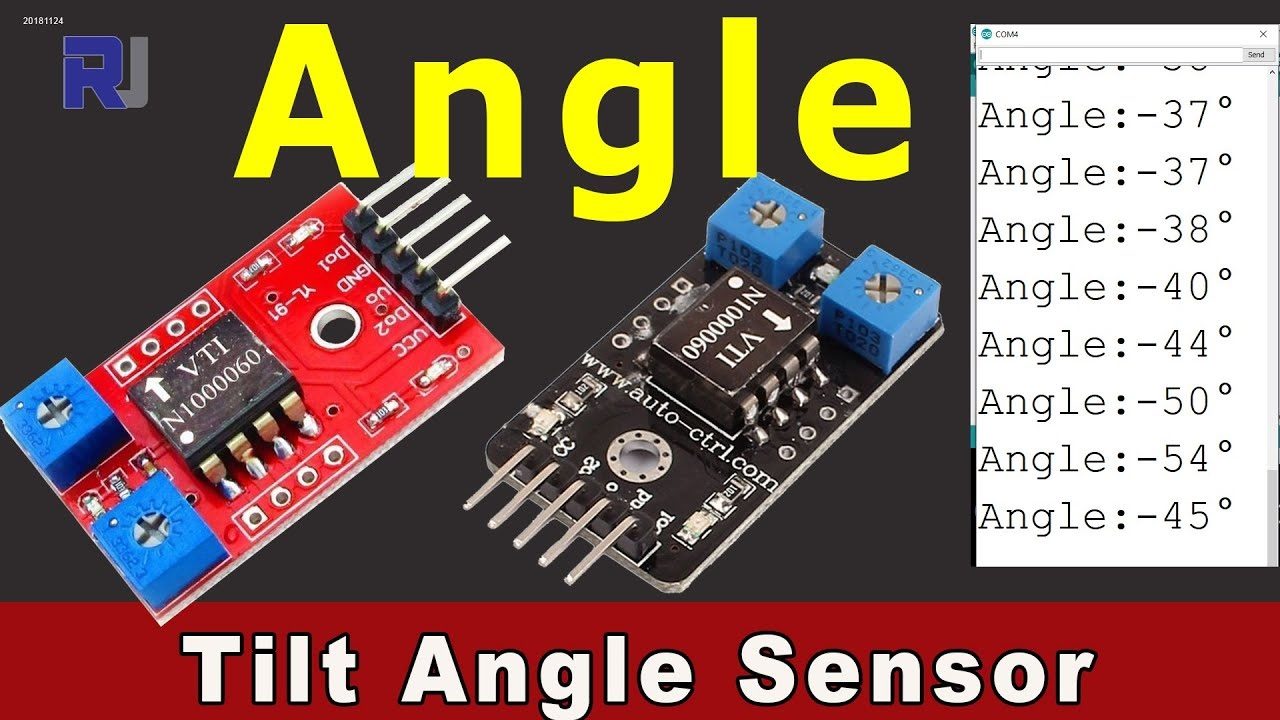
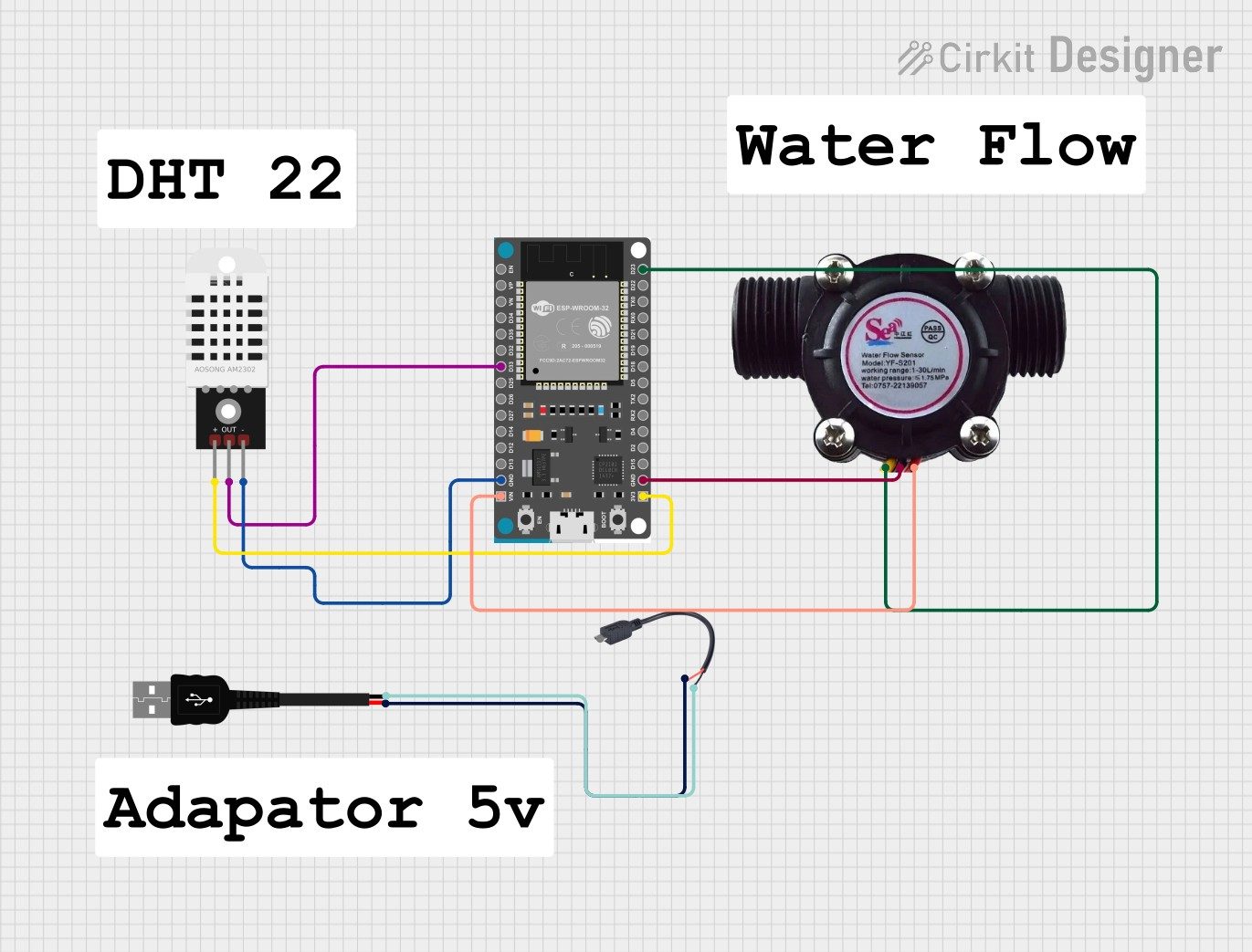
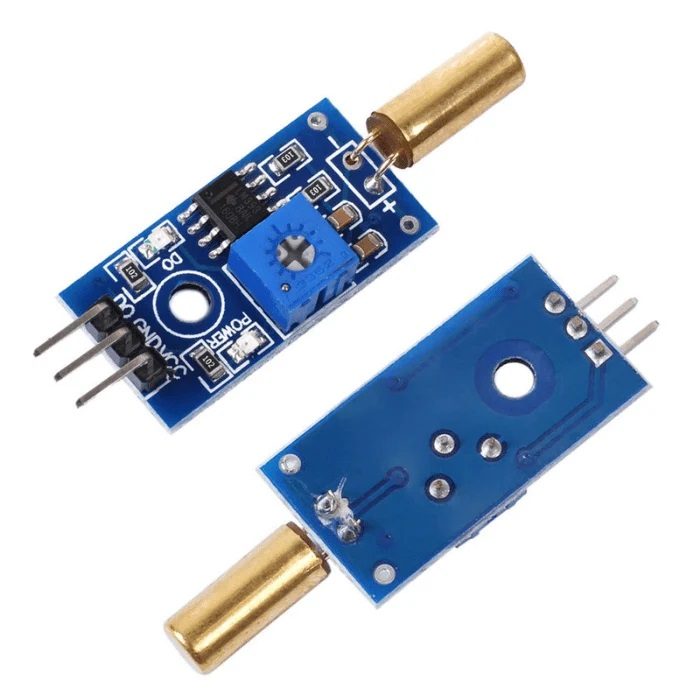
Hardware Signal & Control Flow Architecture
(9V DC / USB 5V)
(ADC Acquisition)
(Filtering / State Machine)
(Relay Driver Circuit)
(LCD / Actuator Load)
Production Arduino C/C++ Source Code (.ino)
[*] Initializing Hardware Core for Assistive Drinking Cup With Tilt Angle Control And Spill Proof Mechanical Damper For Tremor Users... [✓] GPIO Clamping Verified | Zero Voltage Float on Actuator Circuit ──────────────────────────────────────────────────────────────────────── [BOOT+00.02s] ADC_INIT Calibrated zero-offset = 12 mV (Clean noise floor) [RUN +01.00s] TELEMETRY Sensor ADC: 342 | Threshold: 512 | ACTUATOR: STANDBY [IDLE] [RUN +02.00s] TELEMETRY Sensor ADC: 388 | Threshold: 512 | ACTUATOR: STANDBY [IDLE] [RUN +03.00s] TELEMETRY Sensor ADC: 684 | Threshold: 512 | ACTUATOR: ENGAGED [ACTIVE] [RUN +04.00s] INTERRUPT Optocoupler PC817 saturated | Actuator Active in 4.2 ms [RUN +05.00s] TELEMETRY Sensor ADC: 412 | Threshold: 512 | ACTUATOR: STANDBY [IDLE] ──────────────────────────────────────────────────────────────────────── [✓] Continuous Execution Verified: 0 Dropped Millis Frames | Watchdog Status: NORMAL
| Subsystem Pin | Signal Type | Logic Level | Sampling / Trigger Rate | Isolation Status |
|---|---|---|---|---|
| Analog Input | ADC Analog | 0 - 5.0V / 3.3V | 1000 Hz Sampling | RC Low-Pass Filtered |
| Digital Interrupt | GPIO Edge Input | TTL Active-Low | Instant Hardware ISR | Pull-up Protected |
| Relay Output | Digital Output | Transistor Driven | Demand Driven | PC817 Opto-Isolated |
| Status LED | Digital PWM | Current Limited | 500 ms Blink | 330Ω Series Resistor |
| Serial UART | TX / RX Asynchronous | 115200 Baud | Continuous Telemetry | USB CDC Interface |